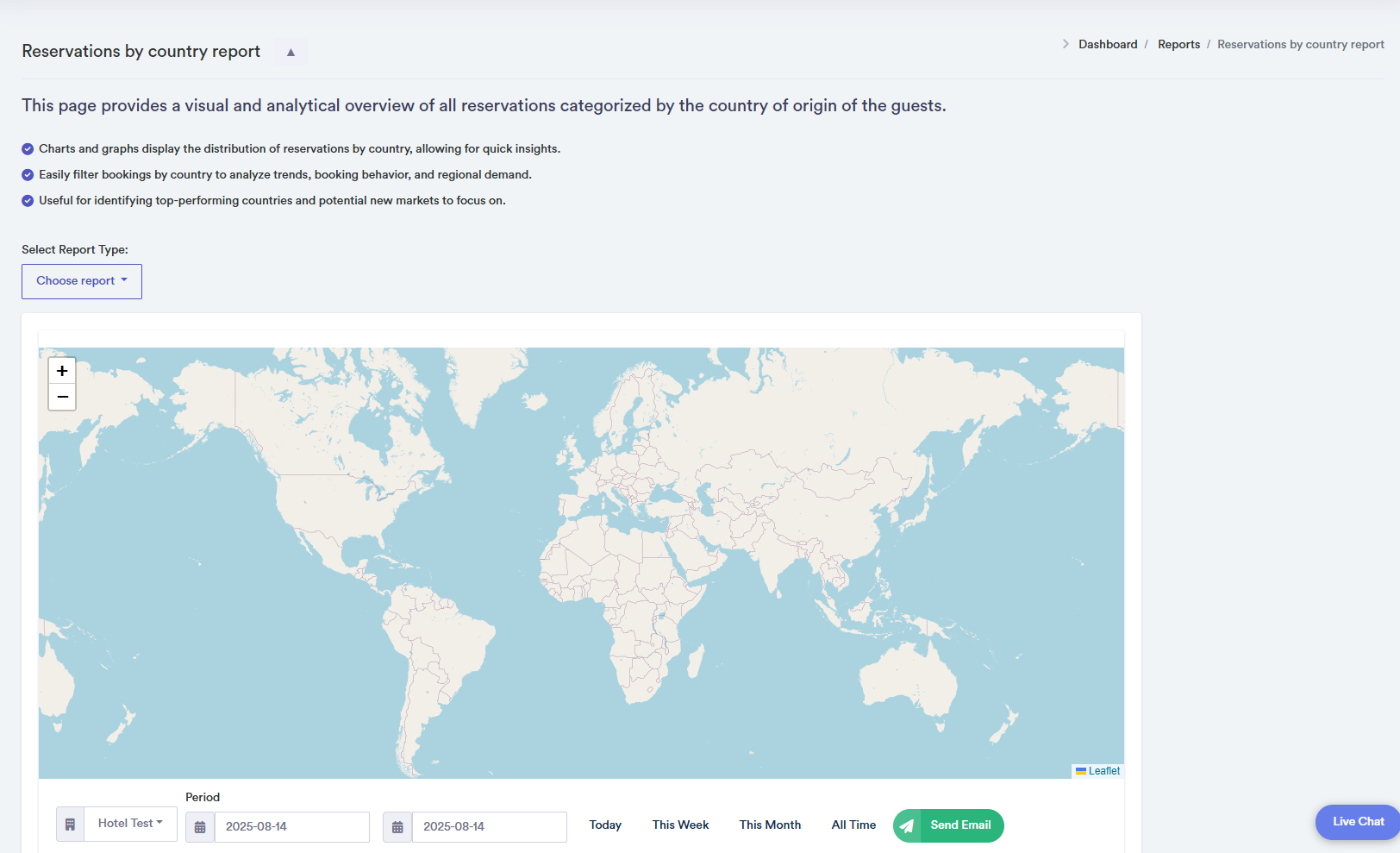
Reservations by Country Report

The Reservations by Country report provides a visual overview of all reservations categorised by the guests' country of origin. Managers can track booking trends and identify top-performing regions over a selected period.
How to Use the Reservations by Country Report
- Select the property you want to analyse from the dropdown menu. You can search through hotels, and the system remembers previously selected properties.
- Period Selection: Choose a time period for the report (Today, This Week, This Month, or All Time). The table updates to display reservation data for the selected period.
- Filtering: You can filter reservations by property and date to focus on specific trends.
- Map: The interactive map visualises reservations by country, showing how bookings are distributed geographically.
- Use the "Send Email" button to export the report in PDF format.
- Confirmation pop-ups appear when data is successfully loaded. Error pop-ups notify the user if data cannot be retrieved.
Tables: Tables display each country (or city) with percentage of total reservations (%) and total number of reservations. Click on a country in the table for detailed reservation information.