ADR Report Help

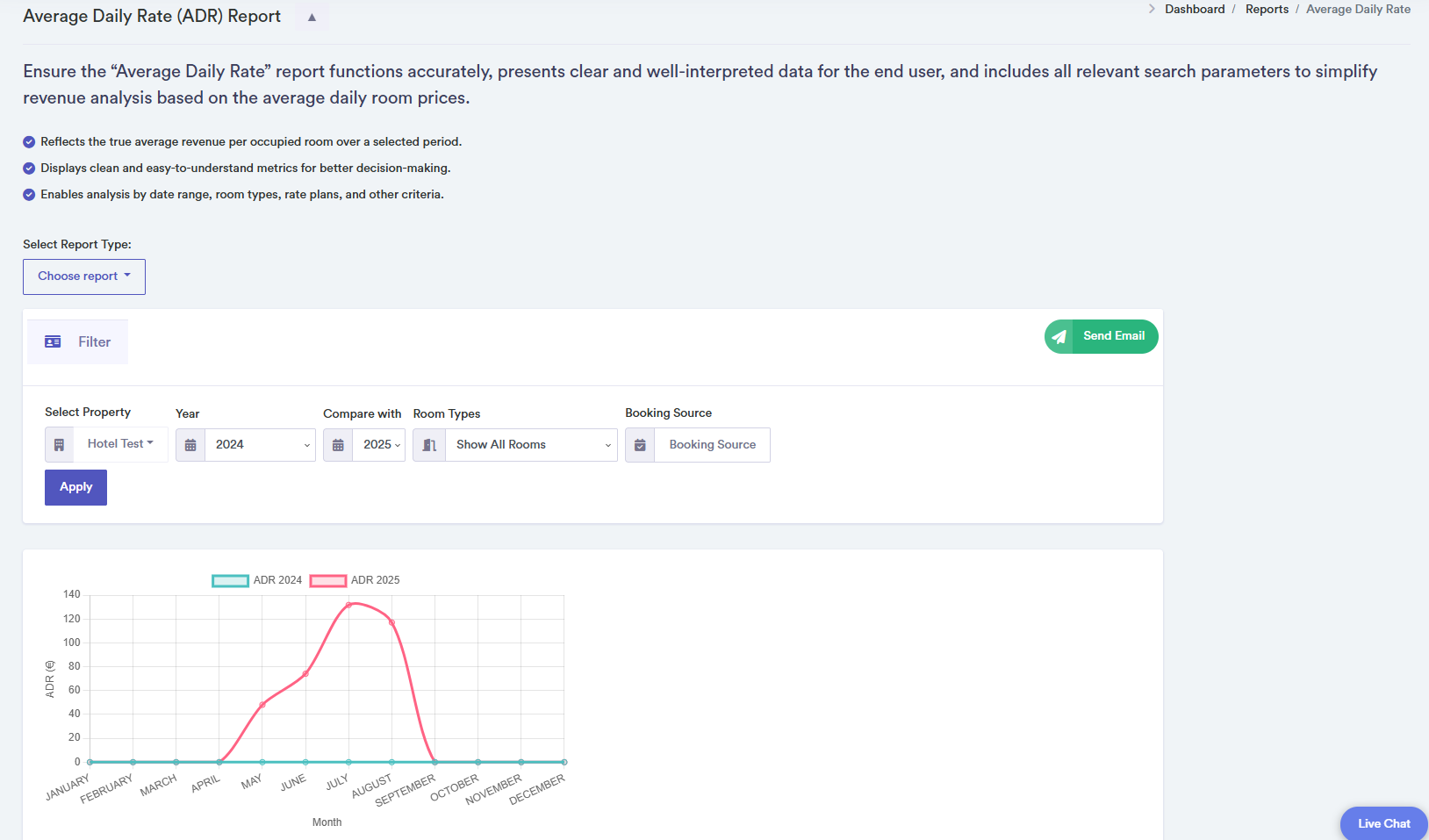
The ADR (Average Daily Rate) report provides a detailed analysis of the average revenue generated per occupied room over a user-selected period. Using this report, hotel managers can track month-by-month performance and compare it across multiple years.
How to Use the ADR Report
- Select the property you want to analyse from the dropdown.
- Select a primary year for analysis and optionally a second year to compare trends. One year shows a single chart and table; two years show separate charts and tables for side-by-side comparison.
- Apply filters such as Room Type or Booking Sources (Booking.com, Airbnb, HotelBeds, Expedia, direct website, etc.). Multiple sources can be selected at once.
- Click the "Apply" button to fetch ADR data.
- View the line chart to visualise ADR trends per month. Tables provide exact monthly ADR values in pounds ( ). Two years produce two tables below the chart.
- Use the "Send Email" button to export the report in PDF format.
- Confirmation pop-ups appear on successful data load. Error pop-ups notify users if data cannot be retrieved.
Click on a month in the chart or table for detailed ADR values.