Channel Production Report Help

Analyse and compare the performance of different booking channels over a selected period to optimise your distribution strategy and revenue.
Steps to Use the Channel Production Report
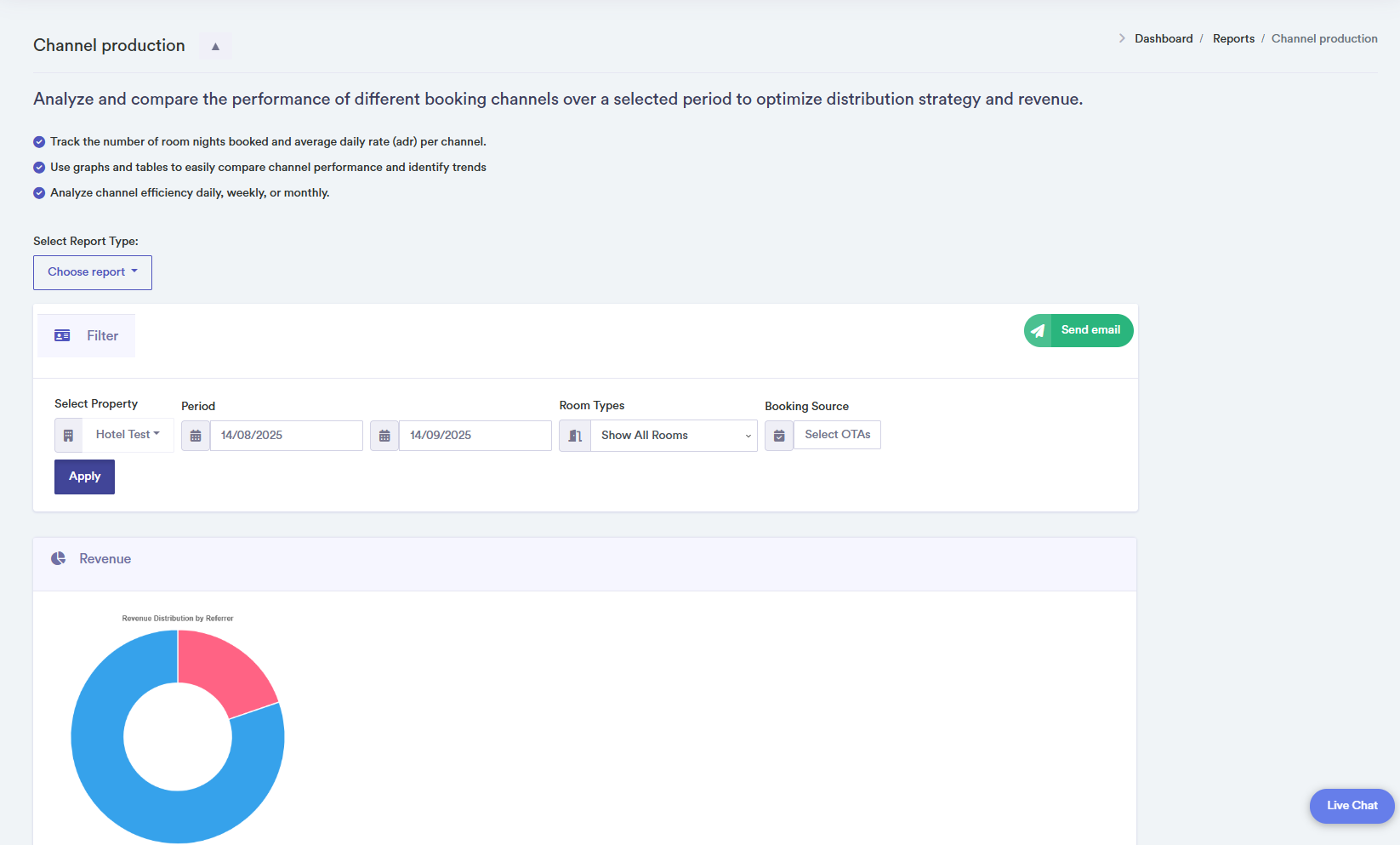
- Select a property from the dropdown to view channel performance data.
- Period Selection: Choose a start and end date for the report. Quick buttons allow viewing data daily, weekly, or monthly.
- Optionally filter by room type and OTAs to focus on specific channels and bookings.
- Charts and Tables: The report displays doughnut charts showing revenue and nights distribution per channel. Tables provide detailed numbers and visual bars for comparison.
- Use the "Send Email" button to export the report in PDF format.
- Confirmation pop-ups appear when data is successfully loaded. Error pop-ups notify the user if data cannot be retrieved.
Click on a channel in the chart or table for detailed performance information.